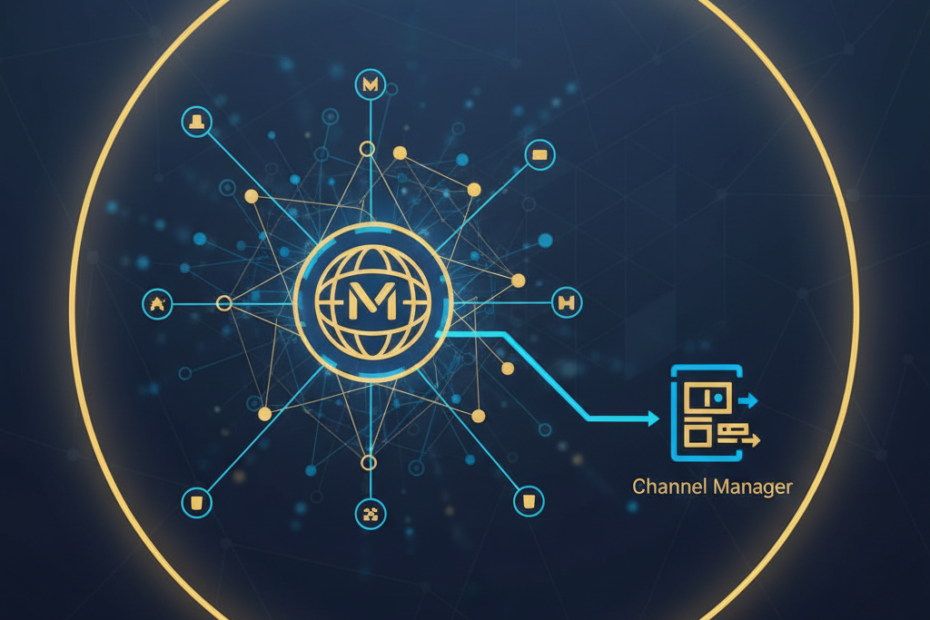
Managing bookings across multiple online travel agencies (OTAs) can quickly become overwhelming for hotel owners in India. MakeMyTrip, one of the country’s largest travel platforms, brings significant revenue potential, but manually updating rates and availability across channels wastes valuable time and increases the risk of overbookings. A channel manager solves this problem by automatically syncing your inventory across all distribution channels in real time. This guide walks you through the process of connecting MakeMyTrip to your channel manager, helping you streamline operations and maximize your property’s visibility.
Why Connect MakeMyTrip to a Channel Manager
MakeMyTrip accounts for a substantial portion of online hotel bookings in India. Without proper integration, you face constant manual updates, potential double bookings, and lost revenue from outdated rates. A channel manager acts as a central hub that connects your property management system (PMS) with MakeMyTrip and other OTAs simultaneously.
When you connect MakeMyTrip to a channel manager, any booking made on the platform instantly updates your availability across all channels. Rate changes you make once get pushed to every connected OTA within seconds. This automation reduces human error, frees up staff time for guest service, and ensures you never miss a booking opportunity due to outdated information.
Prerequisites for MakeMyTrip Integration
Before you start the connection process, gather the necessary credentials and verify your eligibility. You need an active MakeMyTrip extranet account with full administrative access. Most channel managers require you to be a registered hotel partner on MakeMyTrip with at least one property listed and approved on their platform.
Choose a channel manager that supports MakeMyTrip integration for Indian hotels. Popular options include Aiosell, which specializes in Indian market connectivity, along with established platforms like eZee, Hotelogix, and Cloudbeds. Verify that your chosen solution offers two-way synchronization, meaning both rates and availability flow seamlessly between systems. Some channel managers also require you to have a working PMS or booking engine already in place.
Step-by-Step Connection Process
The actual connection process varies slightly by channel manager, but most follow a similar workflow. Start by logging into your channel manager dashboard and navigating to the integrations or channels section. Look for MakeMyTrip in the list of available OTA connections and click to begin the setup.
You will need to enter your MakeMyTrip hotel code, which you can find in your MakeMyTrip extranet under property settings. Most channel managers also ask for API credentials or require you to authorize the connection through a secure token exchange. Follow the on-screen prompts carefully, as incorrect credentials will prevent the integration from working properly.
Next, map your room types and rate plans. This critical step ensures that the rooms listed on MakeMyTrip correspond correctly to the inventory in your channel manager. A standard double room in your PMS should link to the identical room type on MakeMyTrip. Rate plan mapping works the same way, connecting your breakfast-included rate to the matching plan on the OTA.
Testing Your Integration
After completing the initial setup, run a test booking to confirm everything works correctly. Make a test reservation on MakeMyTrip (you can cancel it immediately) and verify that your channel manager reflects the booking and updates availability across other channels. Check that rate changes pushed from your channel manager appear on MakeMyTrip within the expected timeframe, typically under five minutes.
Monitor the connection for the first 48 hours closely. Watch for any error messages in your channel manager dashboard and verify that bookings flow through without delays. Most integration issues surface during this initial testing period, making it easier to troubleshoot before you receive real guest bookings.
Common Integration Challenges and Solutions
Room mapping errors rank among the most frequent issues when connecting MakeMyTrip to a channel manager. If your room names differ between systems, the integration may fail to sync inventory correctly. Double-check that each room type has an exact match on both platforms, and use the same naming conventions wherever possible.
Rate loading problems often occur when your channel manager pushes rates that violate MakeMyTrip’s pricing policies. MakeMyTrip requires rate parity and may reject rates that fall outside acceptable ranges or conflict with existing promotions. Review your rate structure carefully and ensure all pricing complies with MakeMyTrip’s current guidelines for 2026.
Connectivity timeouts can interrupt the sync process, especially during peak booking periods. Most channel managers offer automatic retry mechanisms, but persistent connection failures usually indicate an API credential issue or a temporary outage on MakeMyTrip’s end. Contact your channel manager’s support team if errors persist beyond 24 hours.
Optimizing Your MakeMyTrip Channel Manager Setup
Once your integration runs smoothly, focus on optimization strategies that drive more bookings. Set up automated pricing rules in your channel manager to adjust rates based on occupancy levels, competitor pricing, or seasonal demand. Dynamic pricing helps you capture maximum revenue during high-demand periods while maintaining competitive rates during slower seasons.
Use your channel manager’s reporting features to track MakeMyTrip’s performance compared to other channels. Analyze which room types generate the most bookings and adjust your inventory allocation accordingly. Many Indian hotels find that certain room categories perform better on MakeMyTrip than on international OTAs, allowing you to tailor your distribution strategy.
Enable restrictions and minimum stay requirements through your channel manager rather than setting them manually on MakeMyTrip. This approach ensures consistency across all channels and prevents booking conflicts. Most modern channel managers, including Aiosell and other MakeMyTrip channel manager solutions for Indian hotels, support advanced restriction rules that automatically adjust based on your occupancy forecast.
Maintaining Your Integration Long-Term
Regular maintenance keeps your MakeMyTrip connection running smoothly. Schedule weekly audits to verify that your rates and availability match across all platforms. Check for any failed bookings or sync errors in your channel manager logs, addressing issues immediately to prevent revenue loss.
Stay updated on MakeMyTrip’s policy changes and technical requirements. OTAs periodically update their API specifications, which may require you to adjust settings in your channel manager. Subscribe to your channel manager’s update notifications and MakeMyTrip’s partner communications to stay informed about upcoming changes that might affect your integration.
Connecting MakeMyTrip to your channel manager transforms your hotel’s distribution strategy, eliminating manual work while expanding your reach across India’s largest travel platform. By following this setup process and maintaining your integration properly, you position your property for consistent bookings and sustainable growth in the competitive Indian hospitality market.