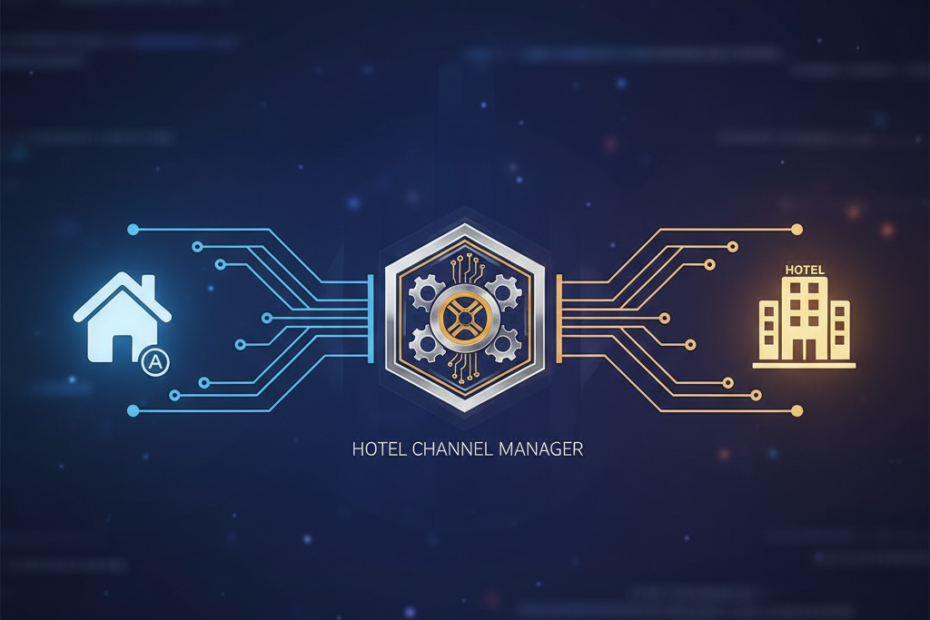
Hotels today face a complex distribution landscape. Guests book through dozens of channels, and managing inventory manually across each platform creates chaos. Airbnb has evolved from a home-sharing site into a major booking channel for hotels, but without proper integration, you risk overbookings, pricing errors, and wasted hours. Connecting Airbnb to your hotel channel manager solves these problems by automating inventory updates, syncing rates in real time, and centralizing operations. This guide shows you exactly how to make that connection work for your property.
Why Hotels Need Airbnb Integration
Airbnb attracts a different traveler demographic than traditional OTAs. Many guests prefer the platform’s user experience, reviews, and payment options. For hotels, listing on Airbnb opens access to millions of potential guests who might never find your property on Booking.com or Expedia. The challenge lies in managing this additional channel without adding administrative burden.
Manual updates across multiple platforms lead to mistakes. You might sell the same room twice or forget to update rates after a promotion ends. A hotel software airbnb integration eliminates these risks by connecting all your channels to one central system. When a guest books on Airbnb, your channel manager instantly updates availability across every other platform. Rates, restrictions, and inventory stay synchronized automatically.
Understanding Airbnb PMS Integration Options
Hotels have two main paths to connect airbnb hotel systems. The first involves using a property management system with built-in Airbnb connectivity. The second requires a standalone channel manager that bridges your PMS and Airbnb. Your choice depends on your current technology stack and operational needs.
Direct PMS Integration
Many modern property management systems offer native airbnb pms integration. These systems connect directly to Airbnb’s API, pulling reservations into your PMS and pushing inventory updates back to Airbnb. Popular PMS platforms like Cloudbeds, Guesty, and Hostaway include Airbnb connectivity as a standard feature. This approach works best for hotels already using or planning to adopt one of these systems.
The advantage is simplicity. You manage everything from one dashboard without juggling multiple logins. Reservations flow automatically into your PMS, triggering your standard check-in workflows. Guest communication, housekeeping assignments, and revenue reporting all happen in one place.
Channel Manager Integration
If your PMS lacks Airbnb connectivity, a channel manager acts as the middleman. Systems like SiteMinder, BookingSync, and RoomRaccoon connect to both your PMS and Airbnb. They pull inventory from your PMS and distribute it to Airbnb, then send confirmed reservations back to your PMS. This setup requires more initial configuration but preserves your existing PMS investment.
Channel managers excel at handling multiple OTAs simultaneously. Beyond Airbnb, they connect you to Booking.com, Expedia, Agoda, and dozens of other channels. You update rates once in the channel manager, and changes propagate everywhere instantly.
Step-by-Step Connection Process
Connecting your hotel to Airbnb follows a consistent pattern regardless of which integration method you choose. The process involves setting up your Airbnb listing, configuring your channel manager or PMS, and mapping your rooms correctly.
Create Your Airbnb for Hotels Account
Start by registering on Airbnb’s platform specifically as a hotel or professional host. Airbnb distinguishes between individual hosts and hotels, offering different features and support for each. Navigate to Airbnb’s host portal and select the option for hotels or professional properties. You’ll need your business registration, tax information, and property details.
Complete your property profile thoroughly. Add high-quality photos, write detailed descriptions, and set your house rules. Airbnb’s algorithm favors complete listings, so investing time here improves your visibility. Configure your cancellation policies, check-in instructions, and amenity lists before connecting to your channel manager.
Configure Your Integration Settings
Log into your PMS or channel manager and locate the Airbnb integration settings. Most systems provide a setup wizard that walks you through the connection process. You’ll authorize your channel manager to access your Airbnb account by logging in through an OAuth flow. This grants permission to read bookings and update inventory without sharing passwords.
Map your room types carefully. Your PMS might call a room a “Deluxe King,” while Airbnb lists it as a “King Room with City View.” The integration needs to know these represent the same inventory. Incorrect mapping causes overbookings or leaves rooms unsold. Double-check each mapping before activating the connection.
Set Rate and Availability Rules
Define how your airbnb hotel integration handles pricing. Most channel managers let you set base rates in your PMS, then apply channel-specific adjustments. You might price Airbnb listings 10% higher to account for their service fees, or offer discounts for longer stays. Configure minimum stay requirements, advance booking windows, and seasonal restrictions.
Test your setup with a small inventory batch first. Connect one or two rooms and monitor how bookings flow through the system. Verify that reservations appear correctly in your PMS with accurate guest information, dates, and rates. Check that when someone books on Airbnb, availability updates on your other channels within minutes.
Managing Your Connected Airbnb Channel
Once connected, your Airbnb channel requires ongoing management. Monitor performance metrics to understand which room types sell best on the platform. Airbnb guests often have different preferences than traditional hotel bookers, so adjust your descriptions and photos accordingly.
Respond quickly to guest inquiries through Airbnb’s messaging system. The platform rewards hosts who maintain high response rates with better search placement. Many PMS systems consolidate messages from all channels into one inbox, making it easier to stay on top of communication without checking multiple apps.
Review your pricing strategy regularly. Airbnb’s dynamic pricing suggestions can help you stay competitive, but don’t blindly follow their recommendations. Compare rates across your channels and adjust based on your revenue management strategy. Your channel manager should let you override Airbnb-specific pricing when needed for promotions or special events.
Common Challenges and Solutions
Even with proper setup, hotels encounter occasional issues with Airbnb integration. Understanding common problems helps you resolve them quickly and maintain smooth operations.
Reservation Sync Delays
Most integrations update inventory within two to five minutes, but delays happen. Network issues, API rate limits, or system maintenance can slow synchronization. Build buffer time into your operations and avoid selling your last room on multiple channels simultaneously. Set your channel manager to hold back one or two rooms as a safety margin.
Rate Parity Conflicts
Some hotels struggle to maintain rate parity across channels while accounting for different commission structures. Airbnb charges hosts a service fee, while other OTAs charge commissions. Calculate your net revenue per channel and price accordingly. Your channel manager should support channel-specific rate adjustments that maintain your desired profit margin.
Maximizing Your Airbnb Integration Benefits
A successful connect airbnb hotel strategy goes beyond technical setup. Use Airbnb’s unique features to differentiate your property. The platform emphasizes experiences and local connections, so highlight nearby attractions and partner with local tour operators. Encourage reviews by providing exceptional service, as Airbnb’s algorithm heavily weights guest feedback.
Analyze your channel performance data monthly. Compare Airbnb’s contribution to your overall revenue mix against other OTAs. Track average daily rate, occupancy, and guest acquisition costs by channel. This data informs where to focus your marketing efforts and which channels deserve prominent inventory allocation.