It’s no secret that properties today rely on technology to deliver a memorable guest experience while driving operational efficiencies. Hotels starting from scratch , using a manual, legacy system or basic PMS, generally plan for six to nine months and resorts twelve to fifteen months. This includes bringing on other revenue-generating systems like a new resort automation PMS. Small to mid-sized hotels, resorts, and vacation rentals with existing properties can half those timelines. Here’s what that timeline might look like:
Understanding the Scope of Your Implementation
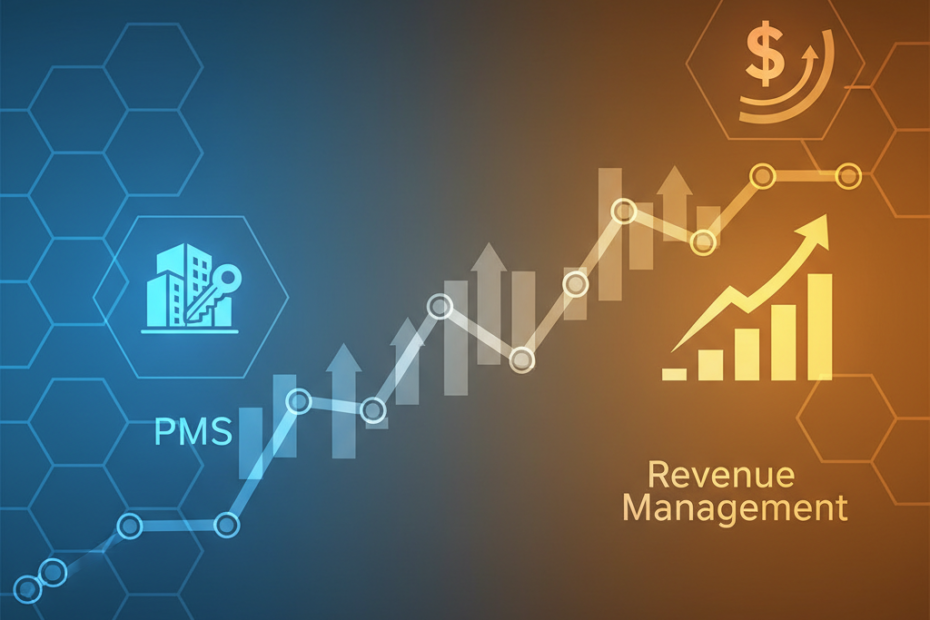
What no software vendor will ever admit (but we’re happy to) is that integrations are where the magic happens. A revenue management system on its own is a wonderful tool, but the rates it’s suggesting should inform the availability coming from your PMS. When that real-time availability changes based on the number of rooms you’ve sold to blocks you’ve loaded in your PMS, you’ll also need the RM to recalculate the rates. This dialogue between the two systems should be happening seamlessly in the background, with neither department having to remember to share the latest updates. It’s a beautiful symphony of technology, with your total revenue as the crescendo. Or think of your property as a car: gearing an engine to go fast is nice, but you won’t get far without wheels.
Begin by evaluating the systems you’re currently using. What are all the software tools you’re using today, including any manual methods and exports that are part of your process? What are your inevitable integrations versus what could be done post-implementation as part of phase two? Identify what you cannot live without, and go from there. Then, determine if you’re going to have a parallel system for a while or if you’re going for a hard cutover.
Phase One: Planning and Vendor Selection
Organizations are mediocre to good about budgeting their automation expenses. Most significantly, they underestimate the time and internal human resources required to complete an implementation. It’s not just the number of systems you’re connecting or replacing that impacts your timeline. A distressed or high-turnover property team will need plenty of IT hand-holding, whereas a team that has spent two months getting ready can approach the go-live date with confidence.
For most hotels, this is the hardest part. The CEO of a European resort company tells us, “We should have told ourselves we couldn’t afford the time and investment to do it properly”. Instead, they pitched themselves “over a cliff” from their outdated system long before a new one could be implemented. Resistance will be everywhere, from clamoring guests to hesitant front-line employees, from local-server-addicted property managers to risk-averse CIOs. Despite all the frustration, fear, and business disruption, there are too many good reasons to make the switch. Ask yourself a few questions: Isn’t it time to say goodbye to Y2K-era infrastructure? What’s your plan when your server crashes? Do you like rejecting promising distribution partnerships because your technology can’t handle rate integration?
Phase Two: Configuration and Data Migration
We’re now reaching an important stage in any onboarding: configuration. This is typically where your PMS implementation timeline starts to resemble a piece of elastic that’s been stretched in both directions. Realistically, you’ll need to allocate six to ten weeks to configure settings, such as room types and rate codes, as well as security roles and interfaces to channel managers, payment gateways, and OTAs (via your channel manager or GDS interface). These will also be the busiest weeks for your revenue management system. Remember, its algorithms require a certain amount of historical data to be able to produce meaningful forecasts.
Assuming everything looks good, here is an essential piece of advice you might come to appreciate: don’t let your finance team near the software until they’ve entered opening balances in the live system. We work with numbers, after all; it’s only natural that we want to recheck them, preferably not against the source data in your legacy system. Chances are you implemented interfaces for direct bank feeds and commission payments. Guess what? We need them to match as well as you do.
Phase Three: Training and User Acceptance
It’s not a one-day effort. Conduct role-specific training sessions over three to four weeks. For example, front-desk employees will need hands-on training in check-in flows, processing payments, and tracking guest requests. Housekeeping supervisors must be trained on updating room statuses and maintenance processes. Your revenue manager will need to be brought up to speed on the forecast tool, competitive set, and automated pricing. Most important: Record everything. New employees should have access to all your training materials.
How can you be sure your employees are ready for go-live? Well, prepare for it. That starts with a checklist of daily, weekly, and monthly activities to see if your team is trained and ready. If the tasks can’t be completed without calling the vendor for support, you need to revisit your training plan. I discovered this is true running a help desk. If the support needs of the team are less than anticipated, the implementation went smoothly. And the only way to get there is through rigorous and exhausting testing. (Yes, exhausting.)
Phase Four: Go-Live and Stabilization
Most properties go live on a Sunday or Monday to avoid weekend-rush complications. Plan the vendor’s support team to be on-site or on video for three business days. Expect hiccups. A payment gateway times out. A housekeeping report doesn’t generate. It’s probably a 48-hour-weekend for the old system in read-only mode to be sure.
Then the “run & maintain” phase begins. Most issues can be resolved by reprocessing transactions that fail, updating master data, or adjusting settings. Your support team will work from a list of common problems and solutions; they will rarely need to contact the vendor’s help desk. Fixing system failures is the vendor’s responsibility, but performance tuning and business consulting are on you. Your internal project team should be in coaching mode now, ready to explain essential concepts (and what happens if they are ignored) to your colleagues in other departments. You promised them robust pricing and forecasts; make sure they help you get the data and execute the plan.
Realistic End-to-End Timeline
A successful Property Management System (PMS) implementation doesn’t happen overnight. From the first discussions and contract signing to process design, system configuration, testing, staff training, and the final go-live, every phase requires careful planning. While the excitement of launching a new system is high, rushing the process often leads to avoidable challenges. Most mid-sized hotels need 16 to 24 weeks for a complete implementation, while larger or more complex properties may require 30 weeks or more. Building a realistic timeline allows every department to prepare, complete testing, and gain confidence before the system is live.
Launching a PMS without enough preparation can affect both hotel operations and the guest experience. Limited training, insufficient support, or incomplete testing can reduce staff confidence and make day-to-day operations more difficult during the critical post-launch period. Planning for holidays, peak seasons, and unexpected delays helps create a smoother transition and minimizes disruptions. With Aiosell, implementation is treated as a strategic business initiative rather than just a technical deployment. Beyond installing software, the focus is on improving operational efficiency, streamlining workflows, enhancing reporting, increasing guest satisfaction, and helping hotels maximize revenue through a well-planned and successful rollout.