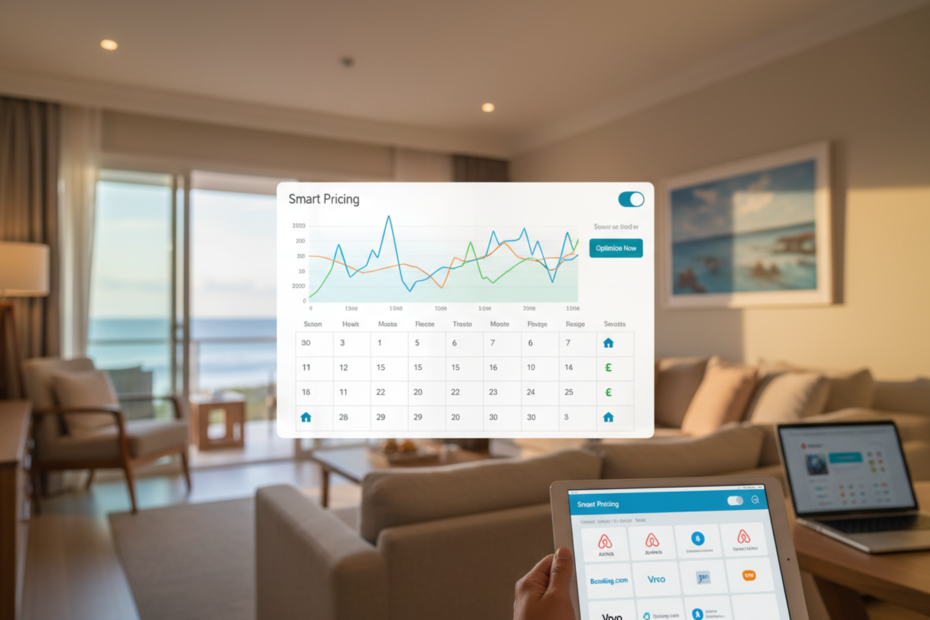
Most vacation rental owners price by feel. A rate for summer, a rate for winter, maybe a bump around Christmas, and a nervous look at the neighbour’s listing now and then. It works until you notice your place sold out three weeks ago at a price you could have beaten, or sat empty for a week because the rate never moved. Dynamic pricing means letting rates follow demand: higher when interest is strong, lower when it isn’t, and updated more often than you’d ever do by hand. For vacation rentals and Airbnb hosts it works a bit differently than for hotels, because every home is unique and you only have a few of them. This article covers how it works, what to feed it, where it goes wrong and how to set guardrails so a pricing tool never makes a decision you wouldn’t make yourself.
How it works for a single home
A hotel can look at fifty rooms of a similar type. You have one house with its own view, size and quirks, so the tool has to compare it with homes that are genuinely similar, in the same area, with similar bedrooms, amenities and reviews. It then watches how quickly nearby homes are booking, how far ahead guests are reserving, and how your own calendar is filling compared with the same time last year. From that it suggests a nightly price for each date. A decent tool also adjusts for day of week, season, local events and lead time. A Saturday in July six months out is not priced like a Tuesday in March three days out. The suggestion is a starting point. You still decide, and the best tools make it easy to see why a price changed. It’s a small thing, but it keeps the suggestions honest.
Inputs that matter most, and a few that don’t
The strongest input is your own booking history: how fast dates fill, at which prices and how far ahead. After that come comparable listings nearby, local events and holidays, and the day of the week. Lead time matters a lot for rentals, since last-minute bookings behave differently from ones made months ahead. Reviews and amenities matter in the background, because a home with better reviews can charge more than a similar one without. Be careful with the data you feed in about yourself. If your calendar shows blocked dates for owner stays or repairs that look like bookings, the tool may read them as demand. Weather and other flashy signals are rarely worth much. A revenue management approach built on clean booking data and a sensible set of comparables will beat a complicated model fed messy information. Garbage in really does mean garbage out.
Rules that matter as much as the price
Price is only half of it. Minimum stays and gap rules often decide whether a calendar fills well. Say you have a free Tuesday between two bookings. No one wants a one-night stay that won’t pay for the cleaning, so a rule that lowers the minimum for gaps, or drops the price a little, can fill it. Or you may want a three-night minimum on weekends in peak season, relaxed to two as the date gets closer. Good tools let you set minimum stays by date and by lead time, and apply discounts for long stays. A quick example with made-up numbers: a home priced at 200 a night with a 20 percent weekly discount sells a seven-night week at 1,120 instead of 1,400. That discount makes sense if it fills a quiet week, and it doesn’t if the week would have sold anyway. Check which dates each rule applies to. Test your floor with a real example before you rely on it, using last month’s cleaning and fee costs.
Guardrails, and where it goes wrong
Set a floor price you won’t go under, one that covers cleaning, fees and a margin. Set a ceiling too, so a hot weekend doesn’t push you to a price that scares off guests and hurts reviews. Limit how much the price can move in a day. Block dates you want to control by hand, like Christmas, a family wedding or a regular guest’s week. Review suggestions weekly for the first two months. The usual failures are predictable. The tool chases competitors who are wrong. It undervalues your home because it compared it to cheaper places. It reacts to a short spike that isn’t real demand. Or it never learns because you override everything. Treat it like a new employee. Check the work at first, trust it more as it proves itself, and keep the final say. If the vendor won’t show you why a price changed, be careful.
Keeping the price connected to everything else
A clever price is useless if it sits in a dashboard. When the pricing tool changes a rate, that rate has to reach every platform you sell on, quickly, along with the minimum stays that go with it. That job belongs to your channel manager, and it’s worth testing: change a price, then check how long each site takes to show it. The tool also needs to read your real bookings from your property management system, including cancellations and owner blocks, so it isn’t pricing against an out-of-date calendar. If these pieces come from different vendors, ask exactly how often they exchange data. Hourly isn’t the same as instantly, and on a busy weekend that gap is where money leaks out. Fewer handoffs usually mean fewer surprises.
Dynamic pricing won’t rescue a poor listing, but for a well-run home it usually beats guessing, mainly by catching the dates you under-price and the gaps you’d leave empty. Aiosell’s revenue management, channel manager and property management system share one set of booking data, so a price change reaches every site together. Start with guardrails, watch the first month closely, and judge the result against the same period last year rather than against your hopes. If the numbers don’t move, adjust the rules before you blame the idea.