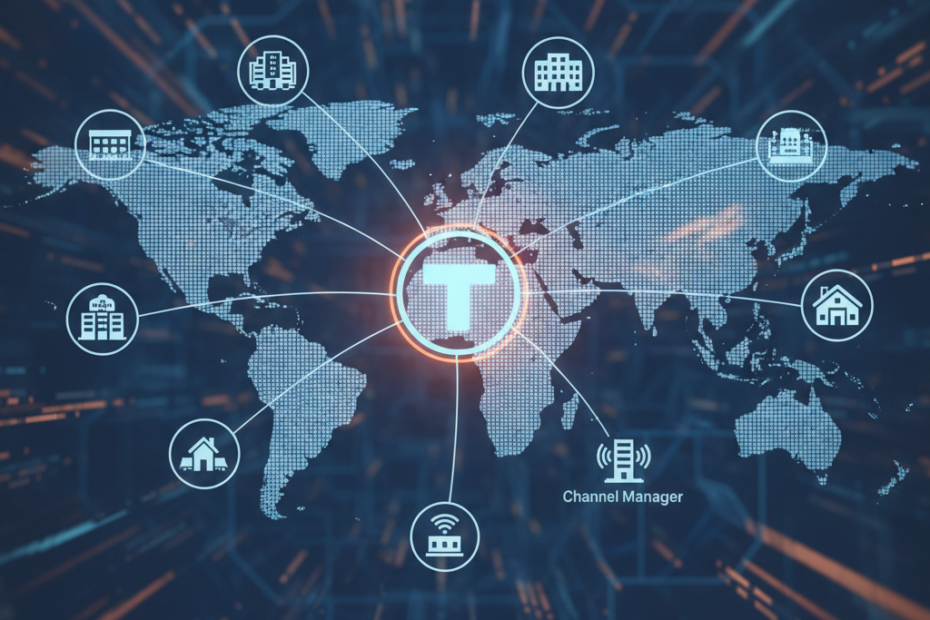
Trivago is one of the world’s largest hotel search platforms, helping millions of travelers compare prices and find the best deals. For hoteliers, listing your property on Trivago can drive significant visibility and bookings. However, managing rates, availability, and inventory across multiple platforms can quickly become overwhelming. That’s where a channel manager comes in. By connecting Trivago to your channel manager, you can automate updates, reduce manual errors, and ensure your listings stay accurate in real time. This guide walks you through the entire process, from understanding the benefits to completing the integration step by step.
Why Connect Trivago Through a Channel Manager?
Managing your hotel’s online presence manually is time consuming and prone to mistakes. A channel manager acts as a central hub, syncing your rates and availability across all connected platforms, including Trivago. This automation saves hours of work each week and helps you avoid overbookings or rate discrepancies that can damage your reputation.
When you connect Trivago to a channel manager, you gain several key advantages. First, you eliminate the need to log into multiple systems to update prices or room availability. Second, you reduce the risk of human error, which can lead to lost revenue or frustrated guests. Third, you can respond faster to market changes, adjusting rates dynamically based on demand. Finally, you free up your team to focus on guest service rather than administrative tasks.
Prerequisites for Connecting Trivago via Channel Manager
Before you begin the connection process, make sure you have a few essentials in place. First, you need an active account with a channel manager that supports Trivago integration. Popular options in 2026 include Cloudbeds, SiteMinder, eZee Absolute, and Staah. Check with your provider to confirm Trivago is on their list of supported channels.
Second, you must have a Trivago Business Studio account. This is Trivago’s platform for hoteliers to manage their listings, view analytics, and access partner integrations. If you don’t already have one, visit the Trivago website and register your property. You’ll need to verify ownership and provide basic information about your hotel.
Third, gather your property details, including room types, rate plans, and any special policies. Your channel manager will need this information to map your inventory correctly to Trivago’s system. Having everything organized beforehand speeds up the setup process and reduces the chance of errors.
Step by Step Process to Connect Trivago to Your Channel Manager
Once you’ve met the prerequisites, you’re ready to start the integration. The exact steps may vary slightly depending on your channel manager, but the overall process follows a similar pattern across most platforms.
Log Into Your Channel Manager
Start by logging into your channel manager dashboard. Navigate to the section where you manage your connected channels or distribution partners. This is often labeled as “Channels,” “Integrations,” or “Distribution” in the main menu. Look for Trivago in the list of available channels.
Initiate the Trivago Connection
Click on Trivago to begin the connection process. Your channel manager will typically ask you to authorize the integration by logging into your Trivago Business Studio account. This step allows the two systems to communicate securely and exchange data. Follow the prompts to grant the necessary permissions.
Map Your Rooms and Rate Plans
After authorization, you’ll need to map your property’s rooms and rate plans to Trivago’s structure. This step ensures that the right information appears in the right place on Trivago’s platform. For example, if you have a “Deluxe Double Room” in your channel manager, you’ll match it to the corresponding room type in Trivago. Take your time here, as accurate mapping is critical for a smooth integration.
Configure Rate and Availability Settings
Next, set up how your channel manager will send rates and availability to Trivago. You can usually choose which rate plans to display, set minimum and maximum stay requirements, and define any restrictions. Most channel managers also let you apply markup or markdown rules if you want to adjust pricing specifically for Trivago.
Test the Connection
Before going live, run a test to make sure everything is working correctly. Update a rate or change availability in your channel manager and check that the changes appear on Trivago within a few minutes. Most integrations sync in real time or near real time, so updates should be almost instant. If you notice any issues, double check your room mapping and settings.
Go Live and Monitor
Once you’re confident the connection is working, activate the integration. Your property will now appear on Trivago with up to date rates and availability. Monitor the integration closely for the first few days to catch any unexpected issues. Check your Trivago Business Studio dashboard regularly to track impressions, clicks, and bookings.
Common Challenges and How to Solve Them
Even with a smooth setup, you may encounter a few hiccups along the way. One common issue is incorrect room mapping, which can cause rates to display under the wrong room type. If this happens, revisit the mapping section in your channel manager and correct any mismatches.
Another challenge is rate discrepancies. Sometimes, a rate update in your channel manager doesn’t sync to Trivago as expected. This can be due to connectivity issues or incorrect settings. Check your channel manager’s sync logs to see if any errors were reported. You may also need to refresh the connection or contact your channel manager’s support team.
Finally, some hoteliers struggle with understanding Trivago’s rate display rules. Trivago shows rates from multiple sources, so your direct rate may appear alongside OTA rates. To stay competitive, make sure your direct rates are attractive and clearly communicated. Use Trivago’s Business Studio tools to monitor your rate position and adjust as needed.
Best Practices for Managing Trivago via Channel Manager
To get the most out of your Trivago integration, follow a few best practices. First, keep your inventory and rates updated regularly. Even though your channel manager automates this, review your settings weekly to ensure they align with your revenue strategy.
Second, use Trivago’s analytics tools to understand how travelers interact with your listing. Pay attention to metrics like click through rate and cost per click. These insights can help you optimize your rates and improve your visibility on the platform.
Third, maintain rate parity across all your channels. Trivago compares rates from multiple sources, and inconsistencies can confuse potential guests or harm your credibility. Your channel manager should help you enforce parity, but it’s still worth monitoring manually from time to time.
Conclusion
Connecting Trivago to your channel manager is a smart move for any hotelier looking to expand their reach and streamline operations. The process is straightforward when you have the right tools and follow the steps carefully. By automating rate and availability updates, you save time, reduce errors, and ensure your property stays competitive on one of the world’s top hotel search platforms. Take the time to set up your integration correctly, monitor performance regularly, and adjust your strategy based on the data. With Trivago hotel listing management handled through your channel manager, you’ll be well positioned to attract more guests and grow your business in 2026 and beyond.